 Samba Oelek
Apple TV · SMB · no media server
Play the videos on your NAS. Nothing else.
Samba Oelek connects Apple TV to an SMB share and plays what is in the folder. No account, no library scan, nothing to install on the server.
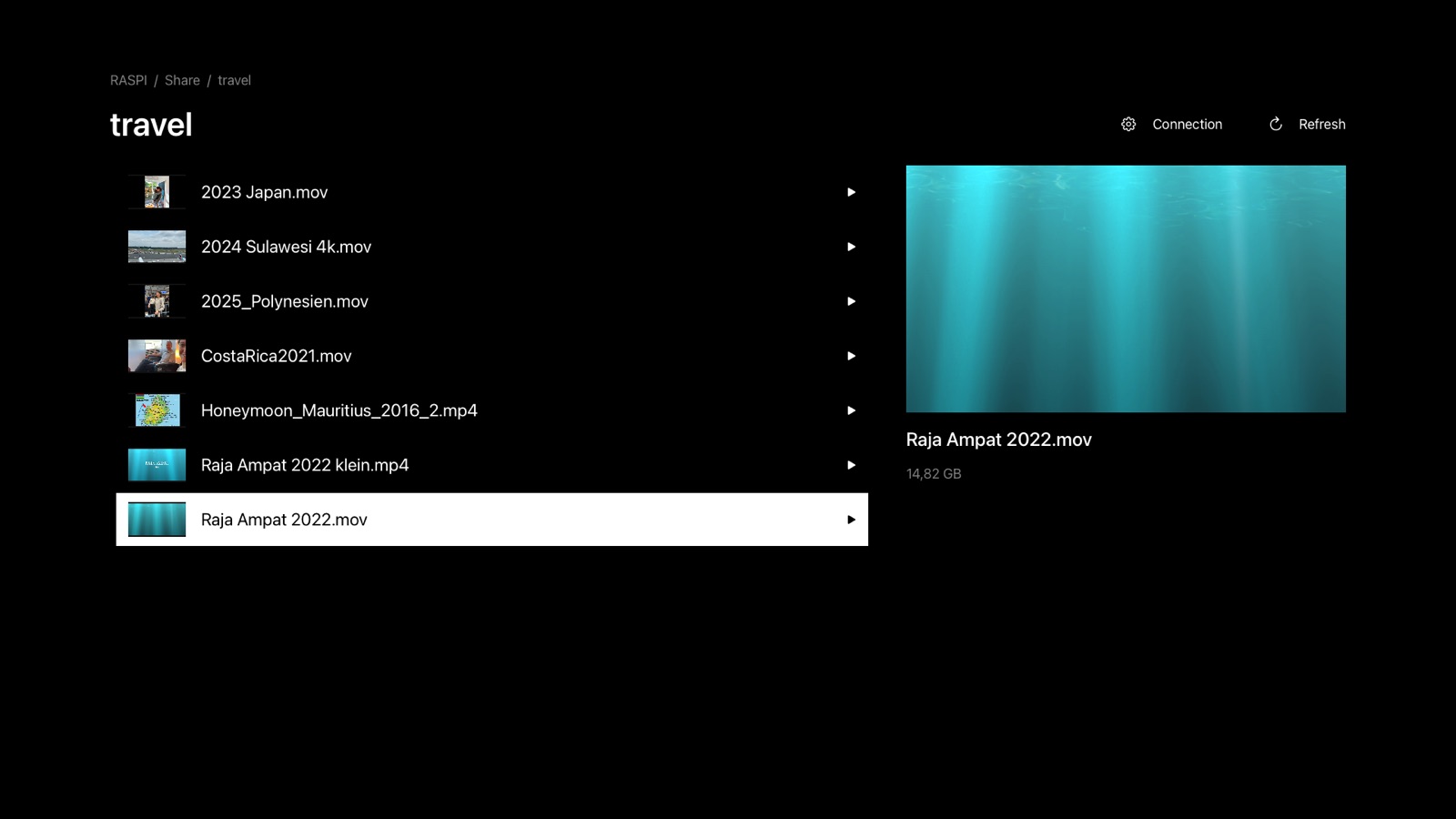
1Network
Devices announcing SMB appear on their own. Add the rest by address.
2Folder
Shares and subfolders as on disk. Thumbnails from the files.
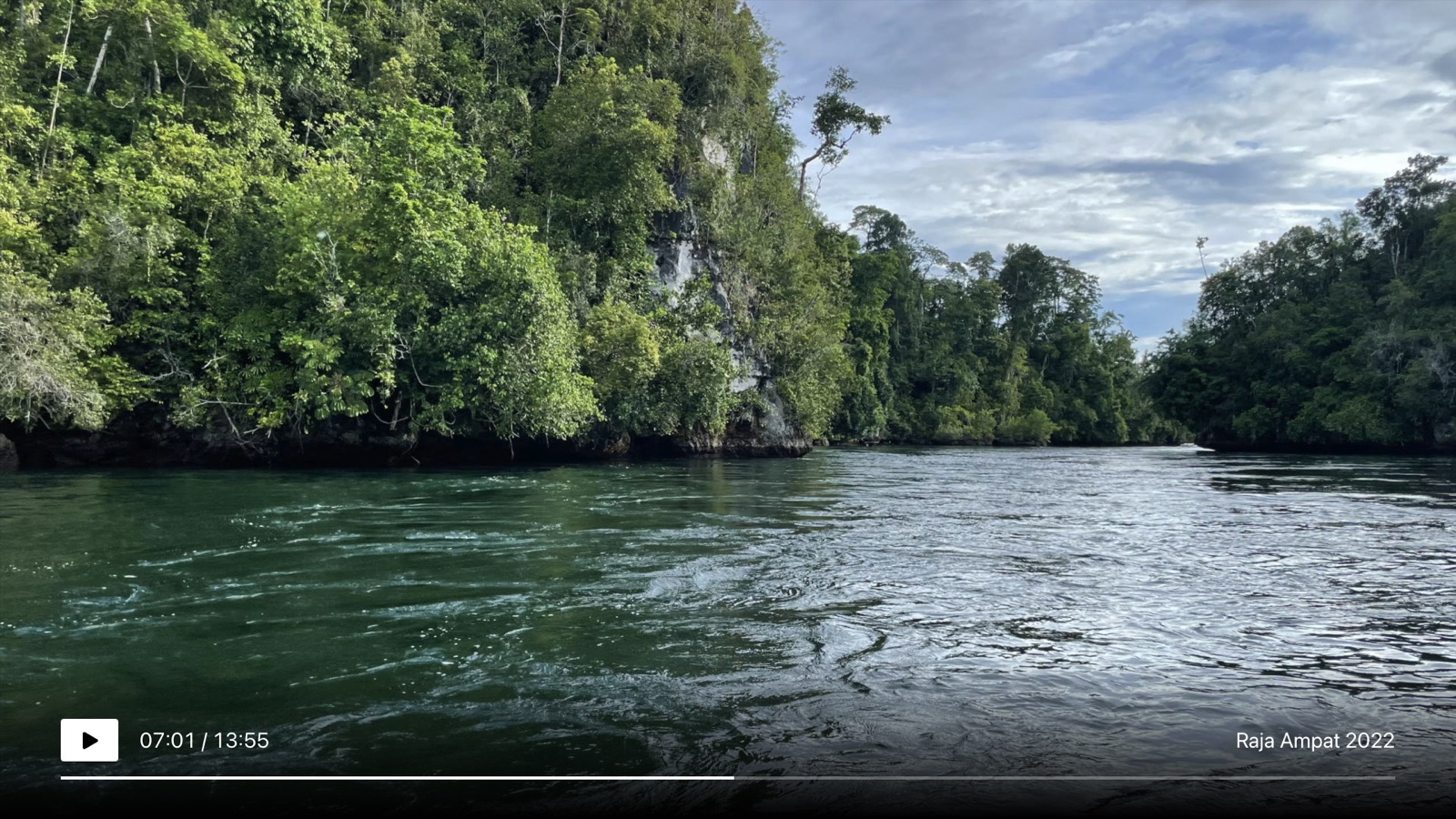
3Video
Streams the bytes, decodes on the Apple TV. Seeks beyond 4 GiB.
+Your keychain
Passwords stay on the Apple TV. No analytics, no cover art requests.
A 15 GB holiday cut starts like a 15 MB clip.
The app reads the file over SMB and hands it to the decoder. No copy first, no transcoding on the server. Seeking across the 4 GiB boundary was verified byte for byte.
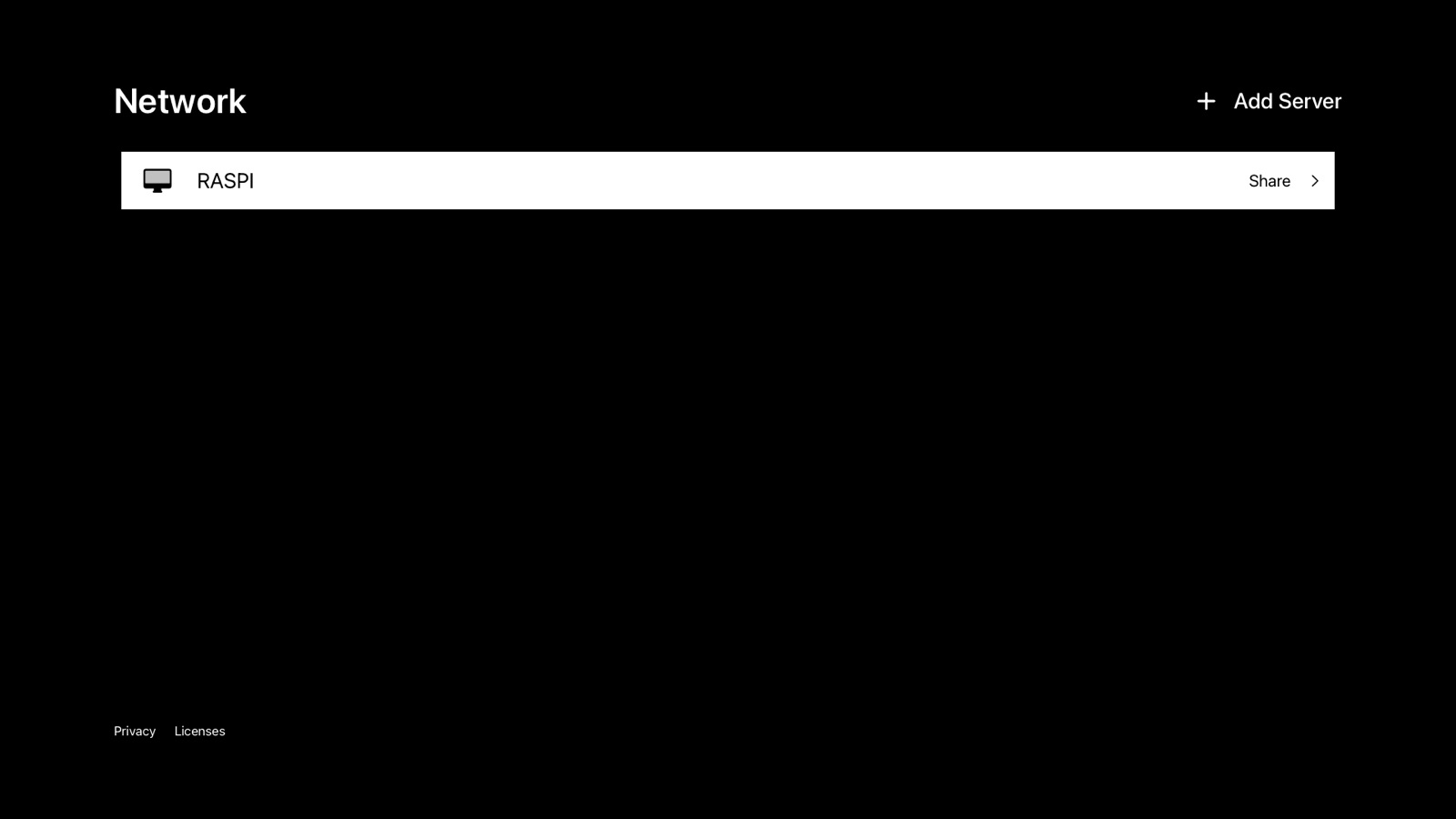
Anything that speaks SMB 2 or 3.
- Synology, QNAP, unRAID, TrueNAS
- Raspberry Pi with Samba
- Mac with File Sharing, Windows PC
- Guest or password, signing and encryption honoured
H.264, HEVC, ProRes. Plus listed MKV and AVI combinations.
Exactly what was checked, with decoder and device, is on the formats page. No “plays everything”.
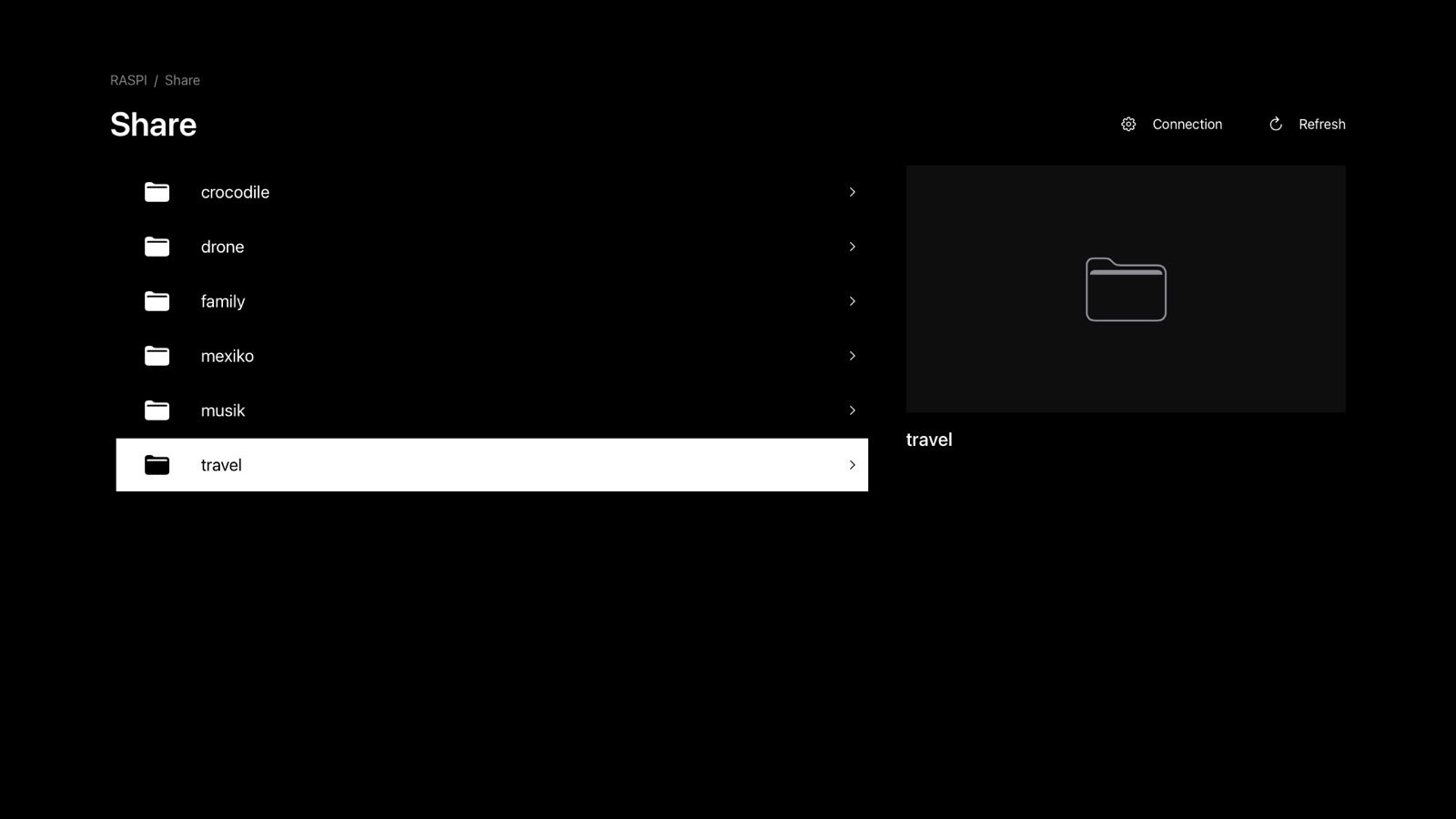
Buy it if
- Your videos are your own: travel films, family recordings, GoPro, drone, ProRes exports.
- They live in folders on a share and you want to press play.
- You do not want to run a server for that.
Buy something else if
- You collect movies and expect covers, subtitles and audio track selection. A library player like Infuse fits better.
- You need Dolby Vision or Atmos confirmed.
- You want to reach the share over the internet.